Article ·
How much data does a 4G camera use a month?
How much data a 4G camera uses depends on one thing: how many minutes of video it sends over the mobile network. Recording to the SD card uses none. Alerts, clips you open and live view are what count. A camera that only sends alerts and short clips uses around 4–5 GB a month in our worked example; one you watch live for an hour a day uses about 7 GB. Here is the arithmetic, so you can work out your own number before you buy a data plan.
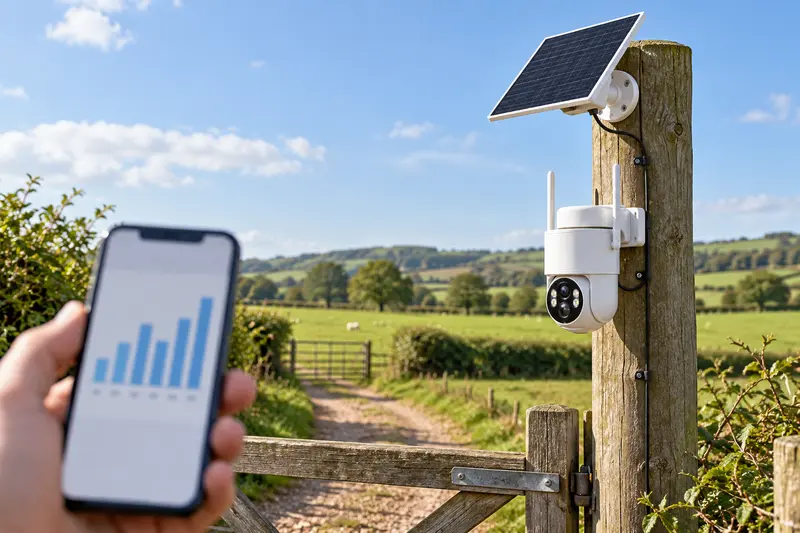
What uses data, and what does not
| Activity | Uses mobile data? | Note |
|---|---|---|
| Recording to the microSD card | No | Video stays in the camera |
| Standby, waiting for motion | Almost none | The camera keeps a small link to the app |
| Alert with snapshot | A little | One picture per alert |
| Playing a clip in the app | Yes | Counts for every minute you watch |
| Live view | Yes, the most | Counts for every minute it is open |
| Cloud upload | Not on our 4G models | Cloud storage is not supported on the 4G versions, so nothing uploads in the background |
That last row matters more than it looks. A camera that uploads every clip to a cloud service uses data whether or not you watch, and many cheaper plans run out because of it. Our cameras record to the card and only send video when you open it.
The arithmetic: 3.84 MB a minute
Video over the network is measured in kilobits per second. A common setting for the sub-stream (the smaller picture the app uses on mobile data) is 512 kbit/s. That works out as:
- Per second: 512 kbit ÷ 8 = 64 KB.
- Per minute: 64 KB × 60 = 3,840 KB, about 3.84 MB.
- Per hour: 3.84 MB × 60 ≈ 230 MB.
This is a worked example, not a measurement of any one camera. The real rate depends on the resolution and quality you choose in the app. Watching in high definition (the main stream) can use two to four times more. Our S49, for example, has a 2304 × 1296 main stream and a 640 × 360 sub-stream; the sub-stream is the one to use on mobile data.
How much data a 4G camera uses a month: three examples
| How you use it | Per day | Per month (30 days) |
|---|---|---|
| Alerts and short clips only | 20 two-minute clips = 40 min ≈ 154 MB | ≈ 4.6 GB |
| Alerts plus 15 min live view | 40 min + 15 min = 55 min ≈ 211 MB | ≈ 6.3 GB |
| One hour of live view, no clips | 60 min ≈ 230 MB | ≈ 6.9 GB |
The same figures are in our SIM card guide for solar 4G cameras, which also covers bands and setup. Notice how fast live view adds up: an hour a day costs more data than twenty clips. If you leave live view open on a phone at night, the bill follows.
Work out your own number
- Count the minutes.Estimate how many minutes of clips you will open a day, and how many minutes of live view.
- Multiply by 3.84 MB.That is your daily data at 512 kbit/s.
- Multiply by 30.Then add 20% for busy days, storms that set off alerts, and the first week when everyone wants to look.
- Check the counter.After a week, compare with the data counter on the SIM or in the network’s app, and adjust the plan.
A camera on a quiet farm gate with a few alerts a day may need well under 2 GB a month. A shop front on a busy street, where the camera fires all day, can use far more; draw tighter activity zones there.
Five ways to use less data
- Watch the sub-stream.Choose the standard or smooth picture on mobile data, not HD.
- Draw activity zones.Leave out roads, trees and grass that move in wind, so the camera only fires on what matters.
- Use human detection.Alerts for people, not every moving shadow, mean fewer clips to open.
- Close live view.Do not leave it running on a phone or tablet.
- Pull clips off the card.For long reviews, take out the microSD card and watch on a computer: no data at all.
Does an AOV camera use more data?
An AOV solar 4G camera records around the clock at a low frame rate, but it records to the card. It only uses mobile data when you open a clip or live view, so the same arithmetic applies.
Which data plan to buy
For one camera with alerts and some live view, a 5–10 GB monthly bundle is a sensible starting point; for several cameras, add them up and consider a data-only or IoT SIM, which some networks sell cheaper for devices. Make sure the SIM works on the 4G band the camera supports in your country: the country pages, such as Kenya, Nigeria and the Philippines, list each network’s bands. If a new camera shows offline, the cause is most often the SIM: see solar 4G camera offline? 9 fixes.
Questions people ask
How much data does a 4G CCTV camera use per day?
In the worked example, 150–230 MB a day: about 3.84 MB for every minute of video sent at 512 kbit/s. Recording to the card uses nothing.
Does a 4G camera use data when no one is watching?
Very little. It keeps a small link to the app and sends a snapshot with each alert. Video only flows when you open a clip or live view, because our 4G models do not upload to the cloud.
Is 1 GB a month enough for a 4G camera?
Only for very light use: about 260 minutes of video a month at 512 kbit/s, under nine minutes a day. Most users should start with 5 GB and check the counter after a week.
More articles
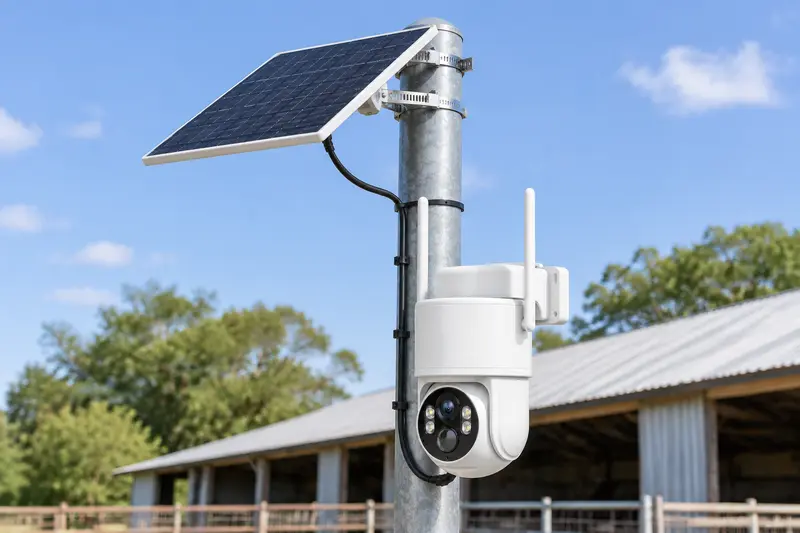
How to mount a separate solar panel for a CCTV camera
How to mount a solar panel for a CCTV camera: where it goes on the pole, which way it faces, the tilt, clamping, cable routing, drip loop and panel sizes per model.
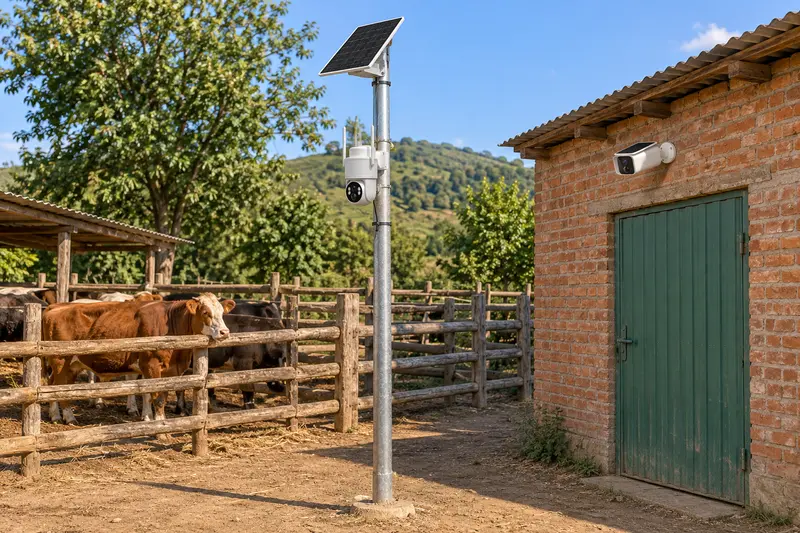
PTZ vs bullet camera on a farm: which solar 4G camera goes where
PTZ vs bullet camera on a farm: how a pan-tilt S49 and a fixed S26 bullet differ in view, night range, solar panel and price, and which suits a gate, a pen or a store.
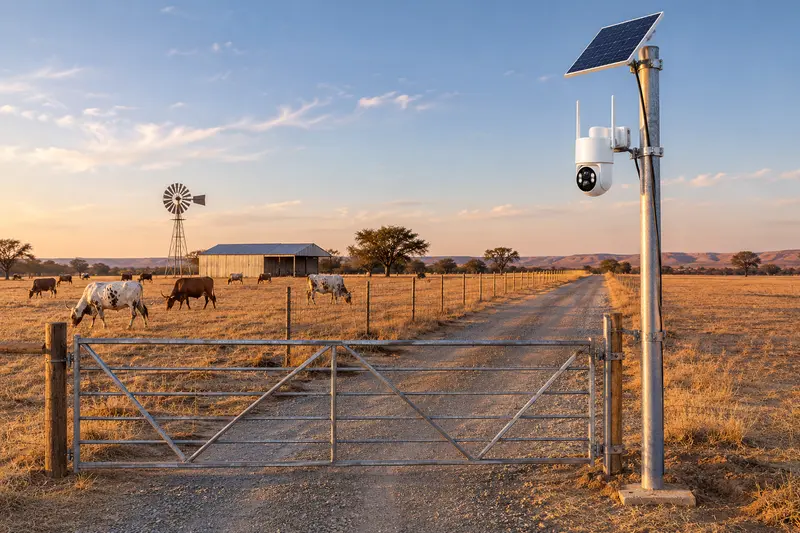
Farm security systems in South Africa: solar 4G PTZ cameras without Wi-Fi
Farm security systems in South Africa: why livestock theft and cable theft now matter more than load shedding, and how solar 4G PTZ cameras watch gates, kraals and pumps.